IP lookup
Where am I right now by IP?
Compare the location estimated for your internet connection with available databases and, if you choose, your device's position.
What "where am I right now IP" actually shows
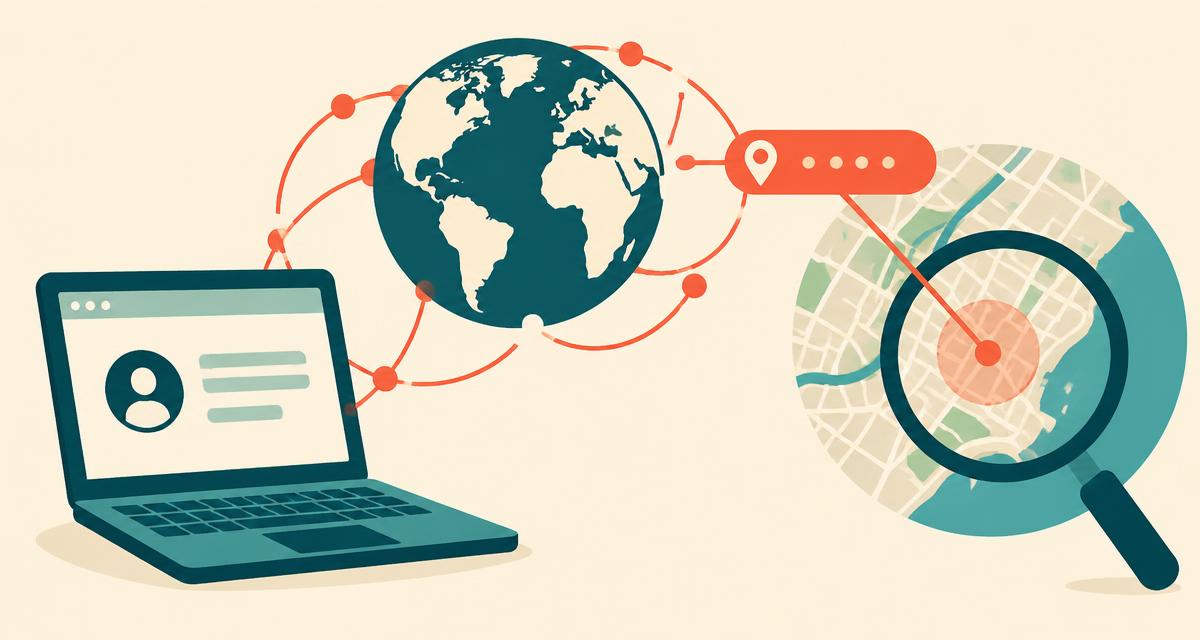
Your public IP address is assigned by your internet provider and travels with every request you make online. Geolocation databases map blocks of IP addresses to the place where the provider uses them — so the city shown above is a database estimate of where that IP is used, not necessarily where you are sitting. That's why IP location is great for "which country am I connecting from?" and poor for "which street am I on?".
Why IP location is often wrong — and how we make it more reliable
Three things commonly push IP location away from your real position:
- Dynamic IPs — your address changes regularly, and each new one can map to a different hub.
- Mobile carriers — phone networks often route a whole region through one city hundreds of km away.
- VPNs and proxies — your traffic exits from a server in another city or country.
The page makes automatic comparisons and offers one optional device check:
- Cross-checks several IP databases and shows where they agree or disagree.
- Compares current UTC offsets — differences can come from a VPN, travel, manual settings or inaccurate IP data.
- Checks proxy flags published by IP databases for known VPN and data-centre ranges.
- Offers device location — only after permission, compare the browser's estimated position with the IP point.
No website can uncover your real location from a VPN IP address alone — that's exactly what VPNs are built to prevent. Your device's own positioning is the only reliable way, and it only works when you choose to share it.
IP location vs GPS location
| IP location | GPS location | |
|---|---|---|
| Accuracy | Provider-dependent estimate; may be very far away | Check the device's reported radius |
| Permission | Not required | Required |
| Affected by VPN | Yes | No |
| Changes with dynamic IP | Yes | No |
| Shows street address | Not reliably | Nearby mapped address when available |
What your IP reveals — and what it doesn't
Your IP can reveal your country, region, approximate city, internet provider, connection type and time zone. An IP lookup alone generally does not identify your name, street address or GPS position. Other account records or data correlation may connect an IP with identifying information. Learn more in what your IP address reveals.
What the checks do not prove
A proxy flag, a large distance or a time-zone mismatch is an indicator, not proof of a VPN. Matching results do not prove that your connection is unmasked. If a provider is unavailable, the comparison is incomplete. This page does not test DNS leaks, WebRTC leaks or every VPN configuration; check your VPN provider's own diagnostics for those questions.
Static and dynamic IPs do not establish a street address
A static IP can keep the same inaccurate database entry for a long time. A dynamic IP can change while you remain in the same place. Neither property lets a public lookup certify where you are standing. Compare your device reading when you want a physical position; use IP data when you want to understand the connection seen by websites.
Using a VPN? Here's how to check it's working
- Disconnect your VPN and note the city and ISP shown above.
- Connect the VPN and reload the page.
- The IP, city and ISP should all change to the VPN server's details.
- If the time-zone check shows a mismatch, that's expected — your device still uses your real time zone.
For your real position and street address at any time, use the where am I right now locator or the exact address finder.
Frequently asked questions
What is my IP address location?
+
It's the approximate place IP databases associate with your public IP address — usually the city where your internet provider routes traffic, not your home.
How accurate is IP location?
+
Accuracy depends on the provider's database and your network. A result may represent a broad area, an outdated record or a VPN exit server rather than your position. Even agreement between databases does not verify an exact physical location.
Why does my IP show another city?
+
VPNs, mobile carriers and many home providers route traffic through regional hubs. Your IP then appears in the hub's city. Use the precise location button for your real position.
Can you find my real location if I use a VPN or proxy?
+
An IP lookup cannot reliably uncover your physical address behind a VPN. With permission, the device-location button can request your browser's position independently of the IP estimate. Its accuracy still depends on your device and settings.
How do you detect a VPN or proxy?
+
We compare your device's time zone with the IP's time zone, check whether IP databases flag the address as a proxy, compare several independent databases, and — if you allow it — measure the distance between your GPS position and your IP location.
Why does my IP location keep changing?
+
Most providers give you a dynamic IP that changes when your router restarts, when you switch between Wi-Fi and mobile data, or every few days. Each new IP may map to a different hub city.
What is the difference between IPv4 and IPv6?
+
IPv4 addresses look like 203.0.113.42 and IPv6 like 2001:db8::1. Both reveal similar location information; IPv6 data is sometimes less precise.
Can websites see my IP address?
+
Yes. Every site you visit receives your public IP so it can send pages back to you. A VPN or Tor replaces it with another address.
More location tools
Where am I right now?
Live location with address, map and coordinates.
My exact address
Street number, ZIP code, city and country.
My GPS coordinates
Latitude & longitude in DD, DMS and DDM.
What city am I in?
Your current city or town, county and state.
My ZIP code
The ZIP or postal code for where you are now.
Local time where I am
Live clock, time zone and UTC offset.