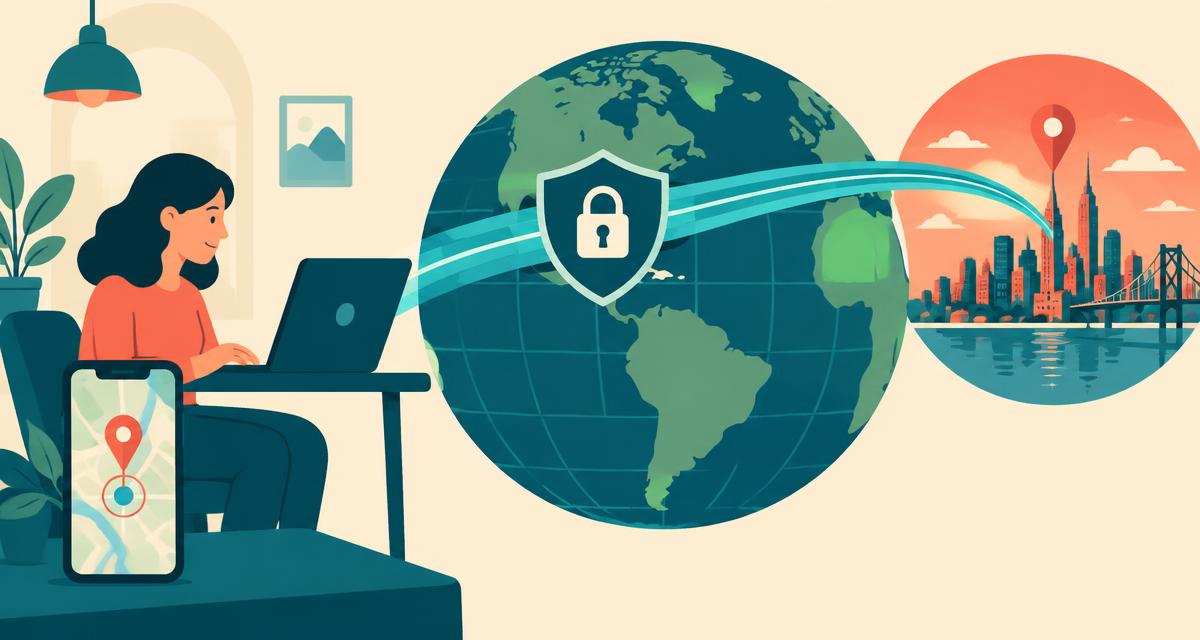
You connect to a VPN in London while sitting in Chicago. Websites now think you're in London — but your phone's maps still show Chicago. Both are "your location", and understanding the difference matters for privacy, streaming, shopping and getting accurate results.
How a VPN works
A Virtual Private Network creates an encrypted tunnel between your device and a VPN server. Websites see the server's IP address instead of yours, so your IP location becomes the server's location. Your ISP sees only that you're connected to a VPN, not which sites you visit.
What a VPN changes
- Your public IP address — replaced by the VPN server's IP.
- Your IP location — the city, region and country websites see.
- Your visible ISP — shows the VPN's hosting provider.
- DNS lookups — handled by the VPN, if configured correctly.
What a VPN does not change
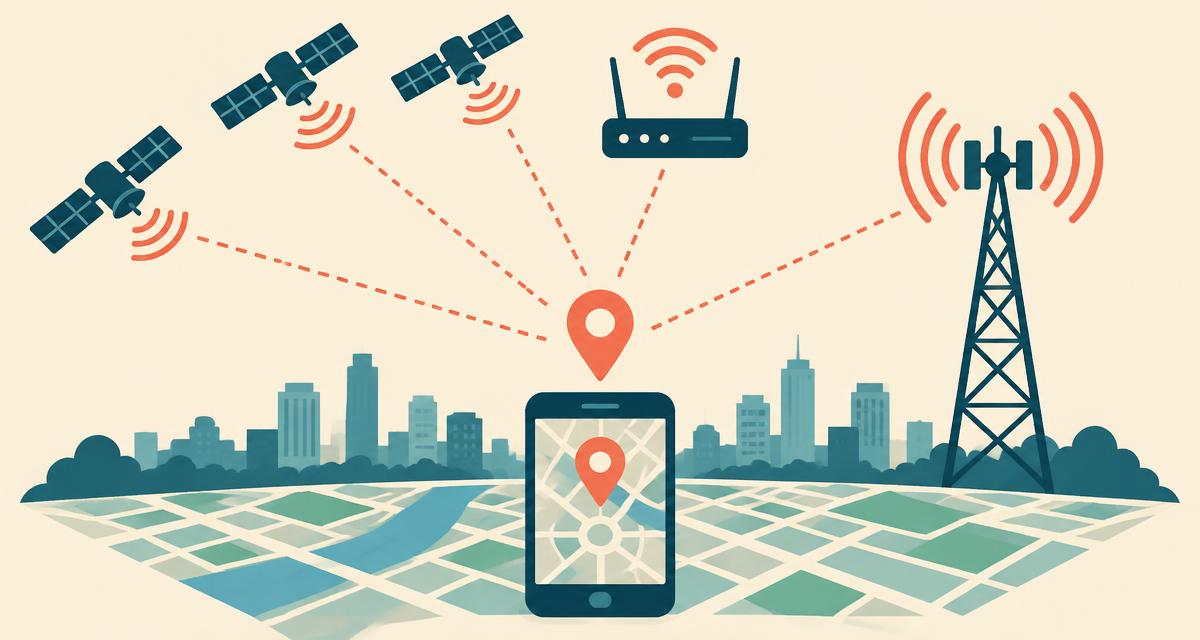
- GPS position — calculated on your device from satellites.
- Wi-Fi positioning — based on networks physically around you.
- Your device's time zone and language — unless you change them manually.
- Account information — billing addresses and saved locations in apps you're signed into.
How websites spot a VPN or proxy
- Time-zone mismatch — your device clock says one zone, your IP another.
- Data-centre IP ranges — VPN servers live in hosting networks, not home broadband.
- Known VPN IP lists — commercial databases flag VPN exit nodes.
- Database disagreement — different IP databases often place VPN IPs in different cities.
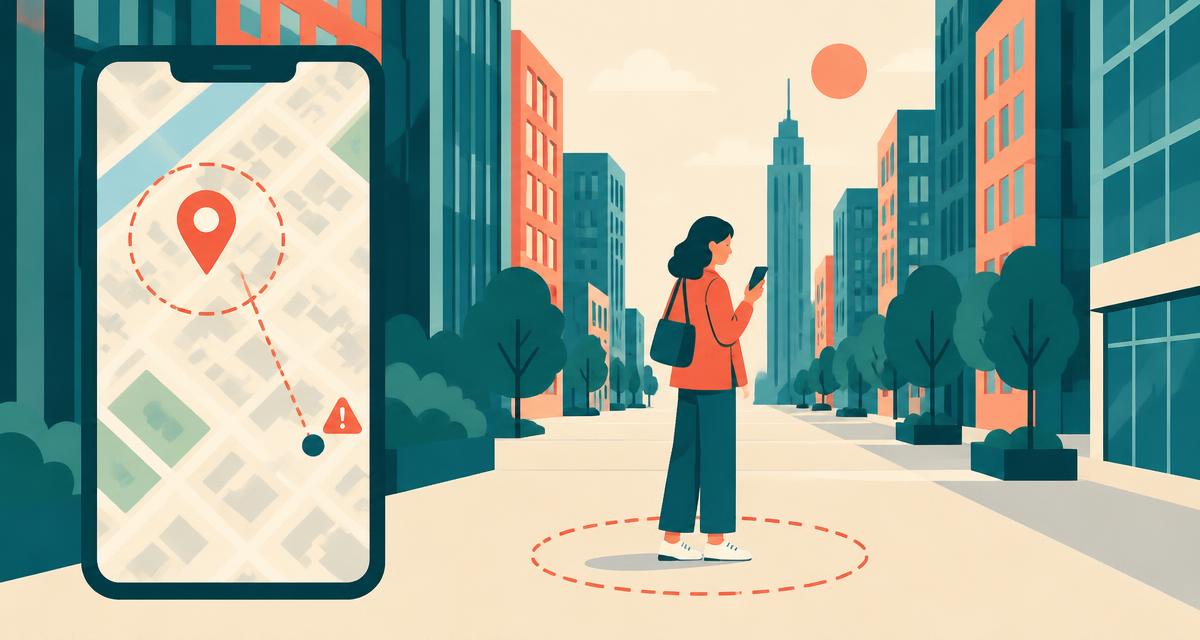
- GPS vs IP distance — a large gap is an inconclusive signal; routing and database errors can cause it too.
Our IP location page compares available provider estimates and current UTC offsets, reads an available proxy flag, and offers an optional device-position comparison. It does not test DNS or WebRTC leaks, and none of these indicators alone proves that a VPN is active or absent.
Location leaks to watch for
WebRTC leaks
WebRTC powers video calls in browsers and can reveal your real IP address to websites even with a VPN on. Most good VPNs block this; you can also disable WebRTC in Firefox (media.peerconnection.enabled) or use an extension in Chrome.
DNS leaks
If your device still sends DNS requests to your ISP, it reveals which sites you visit and hints at your region. Enable your VPN's DNS leak protection.
VPN disconnects
If the VPN drops, your real IP is exposed until it reconnects. Turn on the kill switch to block traffic during disconnects.
Can anyone find my real location through a VPN?
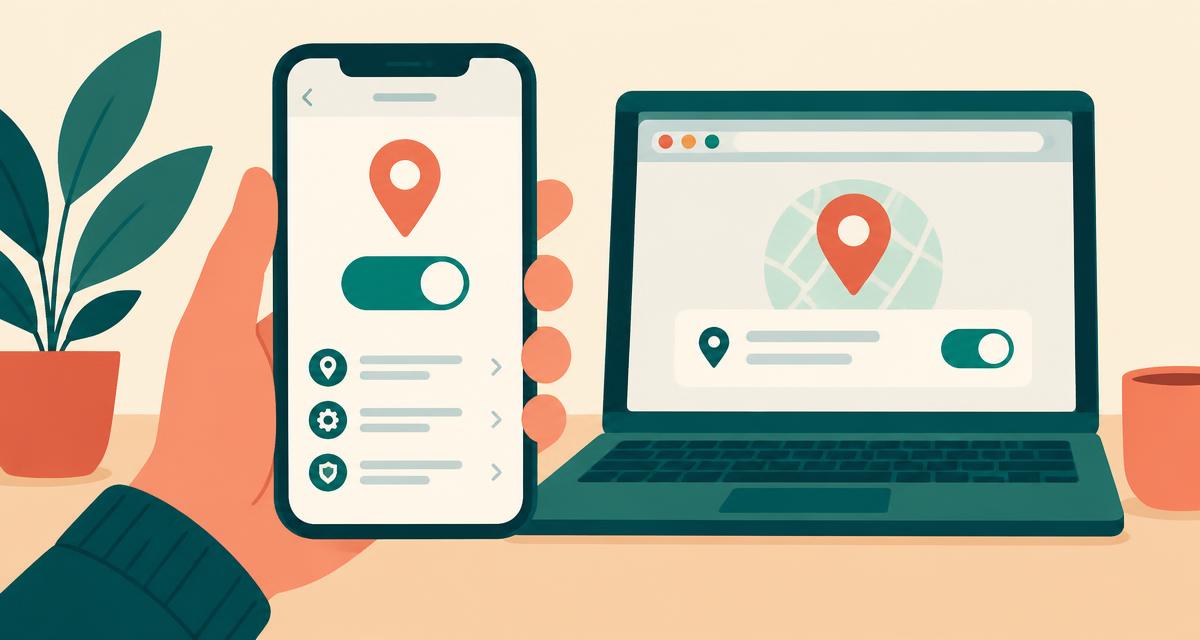
An IP lookup cannot reliably uncover a physical address behind a VPN. Browser geolocation needs permission, but sites may also infer location from account details, previous information or leaks. Keep your browser and VPN app updated, use the kill switch, and review which sites have location permission.
Seeing your true location while the VPN stays on
Because GPS ignores your network, you can keep your VPN connected and still use the where am I right now locator to request a device reading. Accuracy depends on available signals; coordinates are sent to OpenStreetMap services for the address and embedded map, not kept exclusively on the device.
How to check your VPN is working
- With the VPN off, note your IP, city and ISP on the IP location page.
- Connect the VPN and reload.
- IP, city and ISP should all change to the server's details.
- A time-zone mismatch can occur, but does not confirm the VPN is active. Check the VPN app's own connection status and diagnostics.