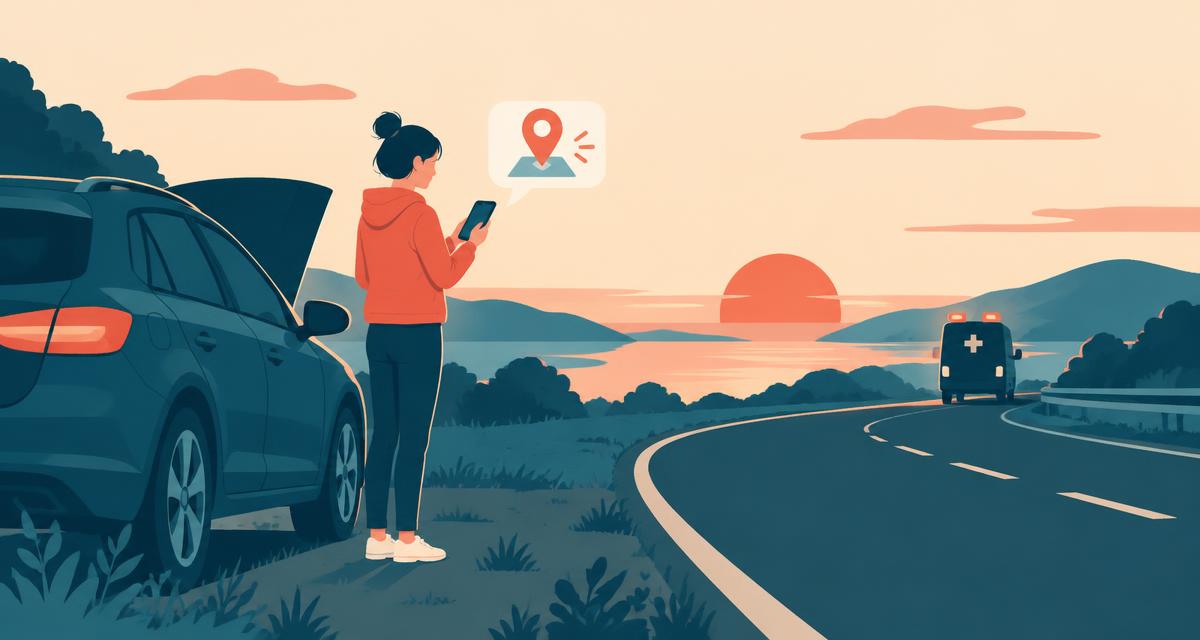
If you or someone else is in danger, call your local emergency number first — 911 in the US and Canada, 112 throughout the European Union, 999 in the UK, 000 in Australia, 111 in New Zealand. This guide helps you give an accurate location quickly, which is one of the most important things a dispatcher needs. Elsewhere use the locally supported number. Do not delay a call to load this website; follow the dispatcher's instructions and give visible landmarks as well as any coordinates.
Your phone may already be sending your location
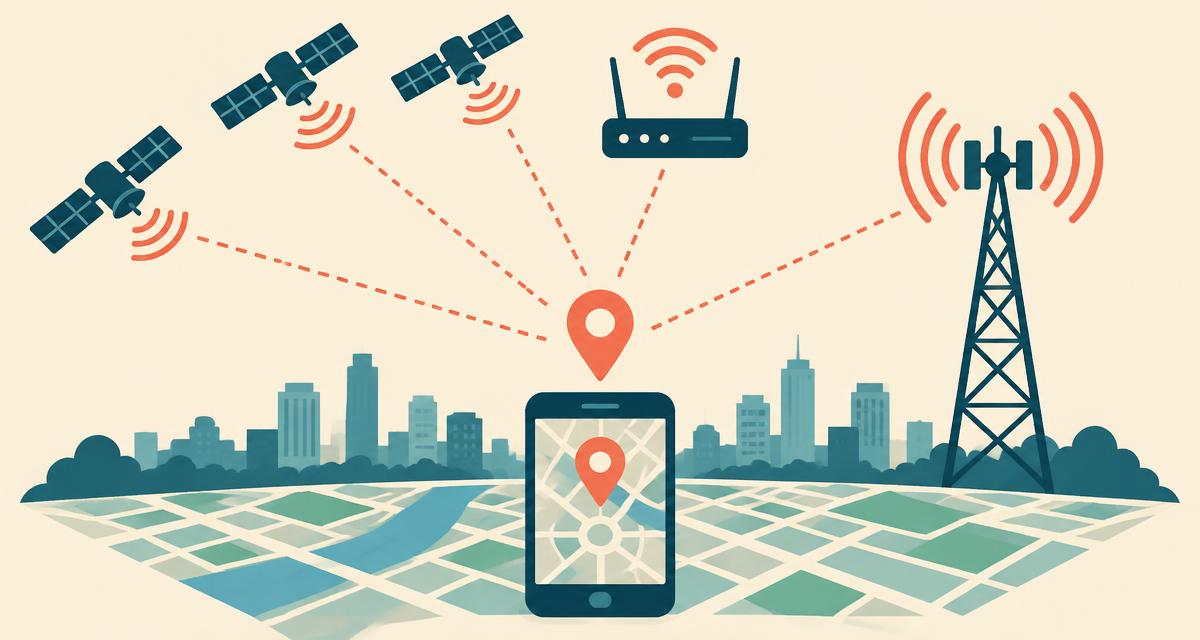
Most modern iPhones and Android phones support Advanced Mobile Location (AML) or Emergency Location Service (ELS). When you dial an emergency number, the phone automatically turns on GPS and sends a precise position to the emergency centre by SMS or data — even if location services are off. In the US, many 911 centres also receive device-based hybrid location. Still, be ready to confirm your location verbally: automatic data isn't available everywhere.
Step 1: Find where you are right now
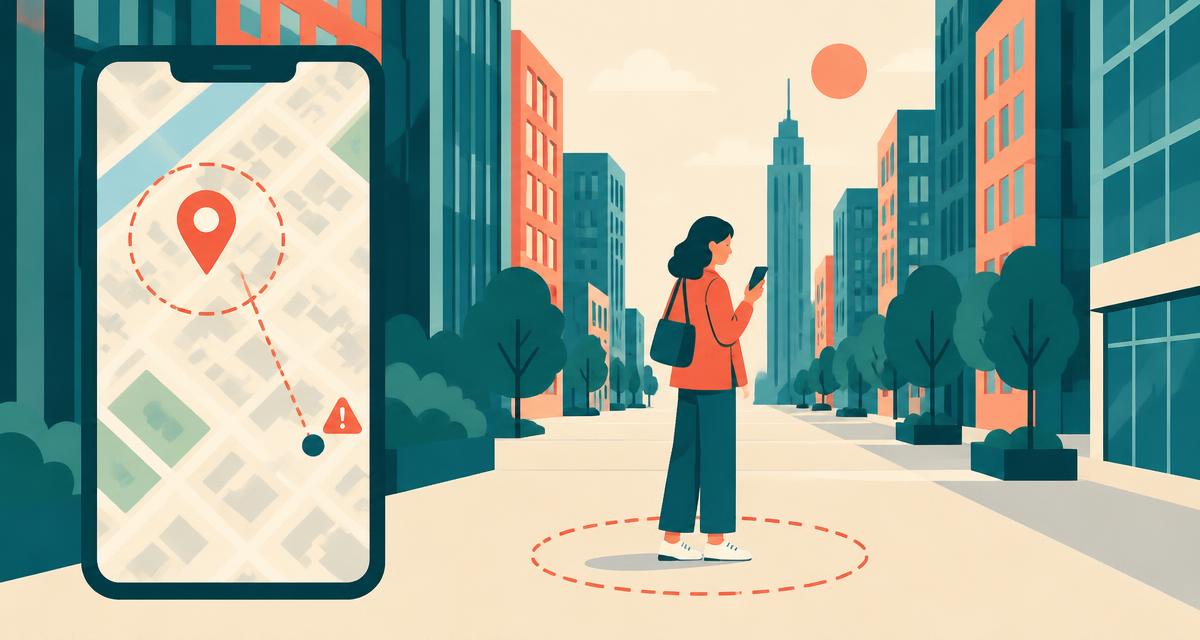
Open our locator and tap the button. You'll see your street address, coordinates and an accuracy radius. In towns, the address is easiest for responders. On highways, trails, beaches, in parks or at sea, read out your coordinates instead — they're far more precise than "near the big oak tree".
Step 2: Tell the dispatcher clearly
- Address or road — street name and number, or the highway and direction of travel.
- Nearest landmark — a cross street, exit number, mile marker, shop or bus stop.
- Coordinates — read them digit by digit: "latitude four-zero point seven-one-two-eight, longitude minus seven-four point zero-zero-six-zero".
- Accuracy — "accurate to about ten metres".
- Building details — floor, apartment, entrance, gate code.
Step 3: Send your location to someone
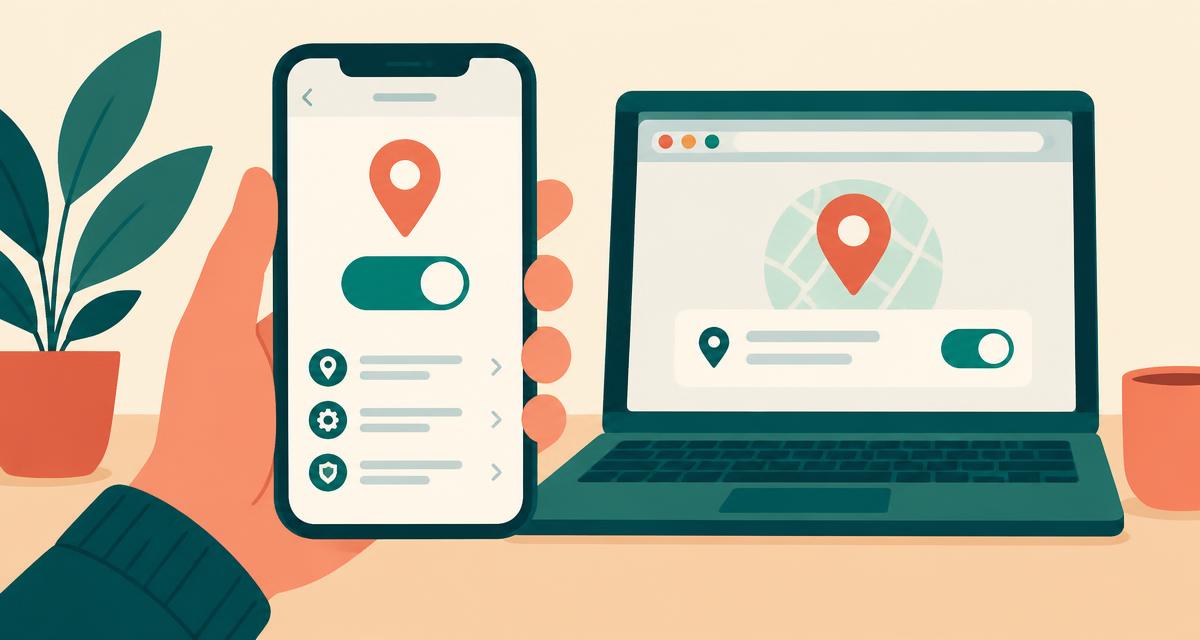
Tap Share location in our tool to send a Google Maps link by text, WhatsApp, email or any messaging app. For continuous updates while you move or wait:
- iPhone: Messages → tap a contact → Share My Location, or use the Find My app.
- Android: Google Maps → tap your profile picture → Location sharing.
- WhatsApp: attach (📎) → Location → Share live location.
When there's little or no signal
- Call first if you can — emergency texting is available only in supported areas and can require registration. Check local guidance; do not assume SMS reaches an emergency number.
- Satellite SOS — availability depends on the device, region and service. Follow your device's supported emergency instructions.
- Write it down — GPS works offline; note your coordinates while the page is open.
- Stay safe — move only if safe; do not climb or leave a safe position just to seek signal.
- Save battery — lower brightness, close apps, turn on low-power mode.
Prepare before you need it
- Set up Emergency SOS and emergency contacts on your phone.
- Fill in your Medical ID (iPhone) or Emergency information (Android).
- Bookmark this site for one-tap access to your address and coordinates.
- Before hiking or driving remotely, share your plan and live location with someone.
- Download offline maps for areas with poor coverage.
International emergency numbers
| Region | Number |
|---|---|
| United States, Canada, Mexico | 911 |
| European Union | 112 |
| United Kingdom | 999 or 112 |
| Australia | 000 (112 on mobiles) |
| New Zealand | 111 |
| India | 112 |