Map apps are brilliant for navigation, but finding your exact address or coordinates in them isn't always obvious. Here's how to do it in each app on every device — and when a dedicated where am I right now tool is quicker.
Google Maps on Android and iPhone
- Open Google Maps and tap the location button (the crosshair, bottom right).
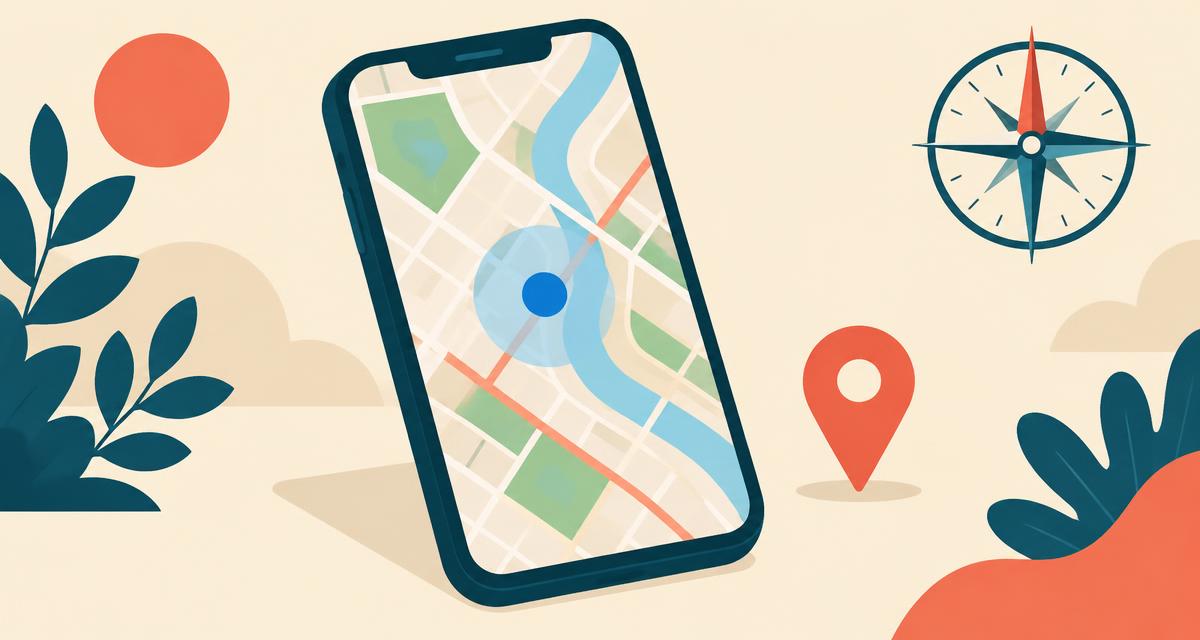
- The map centres on a blue dot. The beam shows which way you're facing.
- Tap the blue dot. A panel offers Share location, Save parking and Calibrate.
- To see coordinates, long-press on the blue dot to drop a red pin. The coordinates appear in the search bar.
- Swipe up on the pin card to see the nearest address, Plus Code and options to copy or share.
Google Maps on a computer
- Go to maps.google.com and click the location button at the bottom right.
- Allow your browser to share your location if asked.
- Right-click on the blue dot. The first line of the menu is your latitude and longitude — click it to copy.
- Click What's here? to see the nearest address.
Apple Maps on iPhone and iPad
- Open Maps and tap the arrow to centre on your position.
- Tap the blue dot to see your address and Share My Location.
- Swipe up on the card to see your latitude, longitude and elevation.
- Tap and hold anywhere to drop a pin and get that spot's coordinates.
Apple Maps on Mac
- Open Maps and click the arrow in the toolbar.
- Click the blue dot, then the info (ⓘ) button for the address.
- Right-click → Drop Pin to see coordinates.
Understanding the blue dot
- Solid blue dot — your current estimated position.
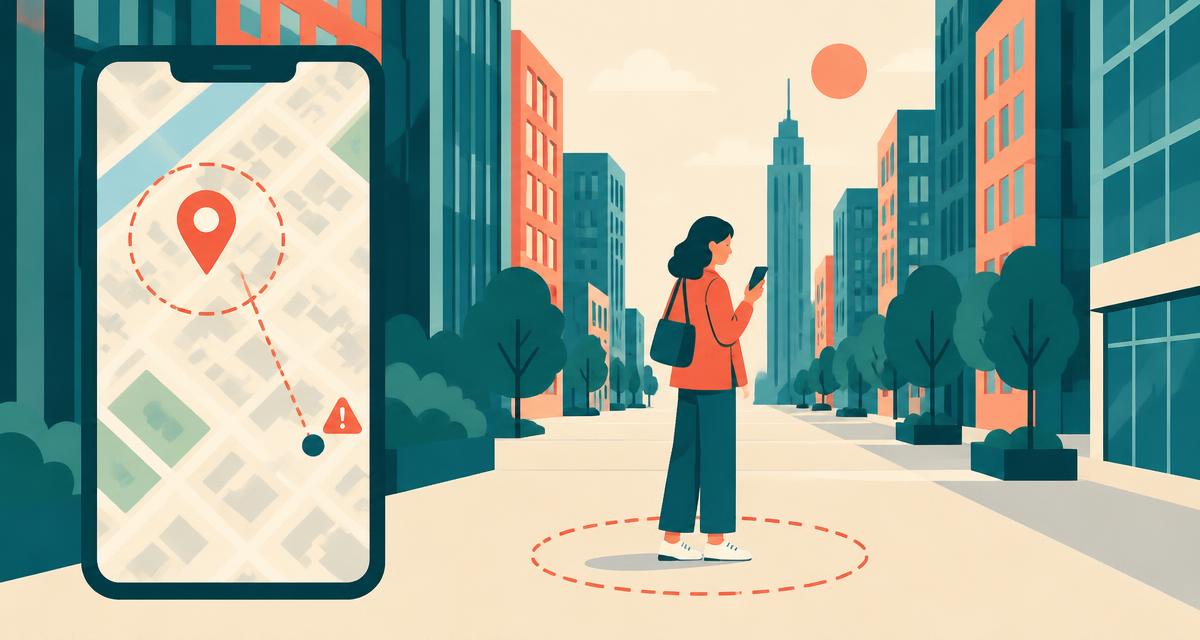
- Light blue circle — the accuracy radius. Smaller is better.
- Beam or cone — the direction you're facing. A wide beam means the compass needs calibrating.
- Grey dot — your last known location; the app can't currently find you.
What are Plus Codes?
Google Maps also shows a Plus Code like 87G8Q2PH+W2. It's a short, shareable address for any spot on Earth, useful where streets have no names or numbers. Anyone can paste it into Google Maps to find the exact spot.
Google Maps vs a web location tool
| Feature | Google / Apple Maps | Where Am I Right Now |
|---|---|---|
| App install | Apps and web versions; features vary | None — supported browser |
| Address + ZIP + coordinates on one screen | Several taps | Yes |
| DMS and DDM coordinate formats | No | Yes |
| Accuracy in metres | Visual circle only | Exact number |
| IP location and VPN check | No | Yes |
| Turn-by-turn navigation | Yes | No |