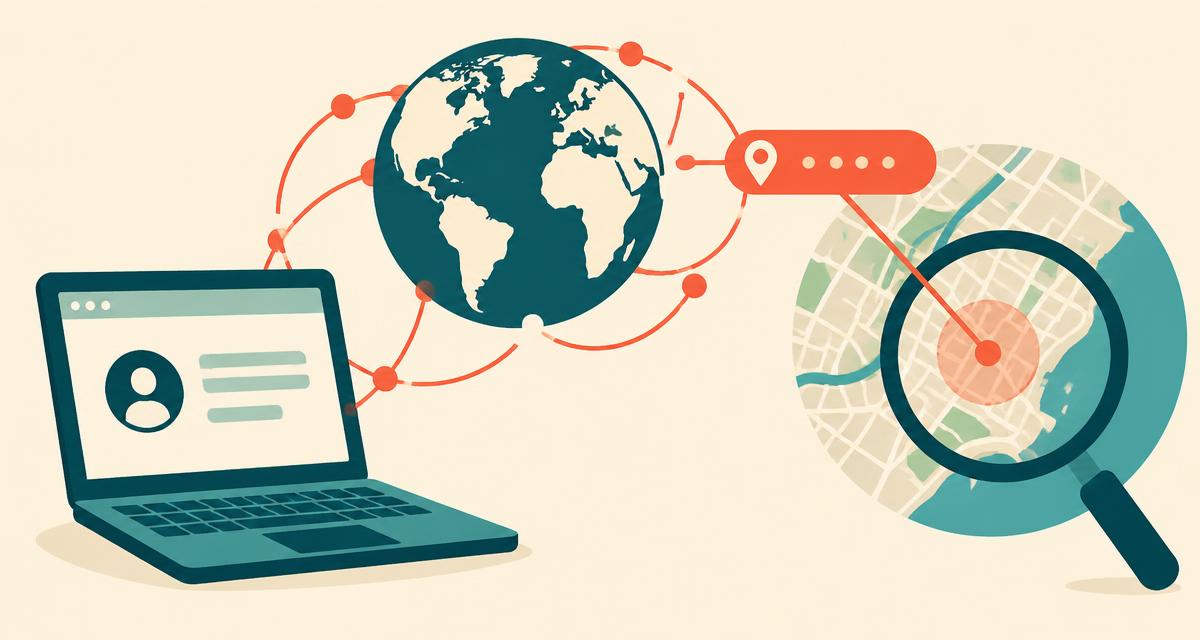
Every website you visit sees your public IP address — it's how the internet knows where to send the page back. That also means any site can estimate where you are without asking. Here's exactly what an IP address can and can't reveal, and how to control it.
What is a public IP address?
Your router or phone gets a public IP address from your internet service provider (ISP). All devices on your home Wi-Fi typically share that one public address. Inside your network, each device has a separate private IP (like 192.168.1.20) that websites never see.
How IP geolocation works
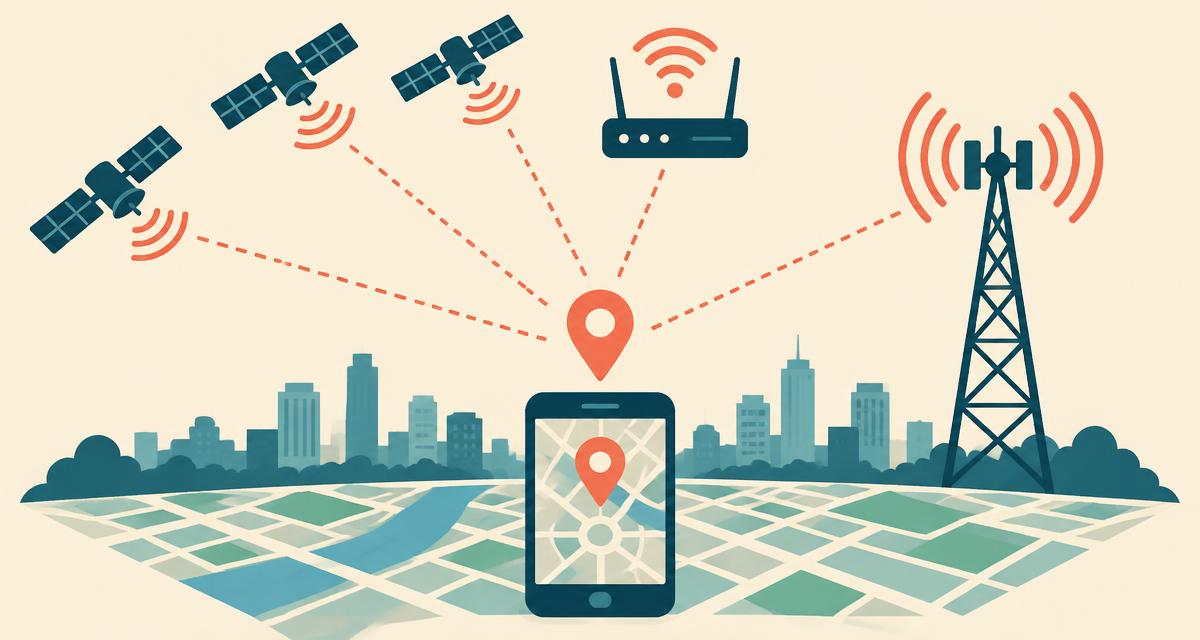
Regional internet registries assign blocks of IP addresses to providers. Geolocation companies combine that registration data with network measurements, user-submitted corrections and provider data to estimate where each block is used. The result is a database that maps an IP range to a city, region and country — but the "location" is really where the provider's network equipment is, not your home.
What an IP address reveals
| Information | Typical accuracy |
|---|---|
| Country | Provider estimate; may describe a VPN exit |
| Region / state | Varies by provider and network |
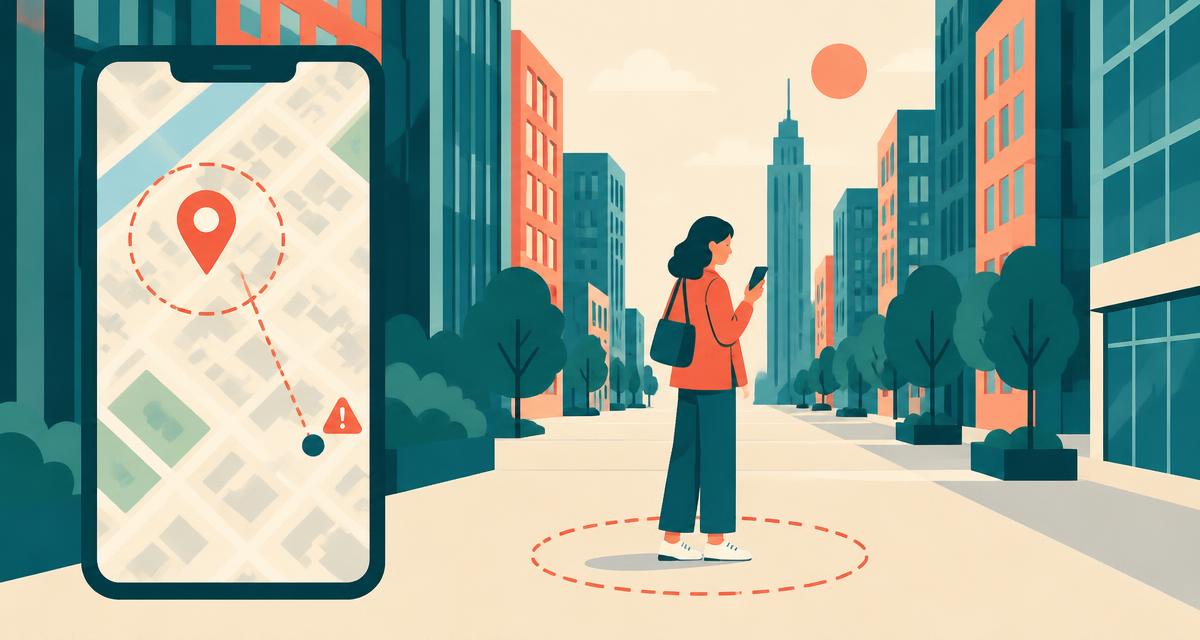
| City | May be wrong by large distances |
| Postal code | Low; often the ISP hub's |
| Internet provider & ASN | Very high |
| Connection type (home, mobile, business, data centre) | High |
| Time zone | Derived from estimated location |
See exactly what yours shows with the where am I right now IP lookup.
What it does not reveal
- Your street address or house — not reliably from a public IP lookup alone; other records or account data can connect an IP to identifying information.
- Your name, phone number or email.
- Your precise GPS position.
- Which device on your home network made a request.
Why IP location is often wrong
- Mobile networks route large regions through a few gateways, sometimes in another state.
- Dynamic IPs change regularly and may be reassigned between areas.
- Carrier-grade NAT lets thousands of customers share one IP.
- Corporate networks may route all employees through head office.
- Outdated databases lag behind when providers reorganise address blocks.
IPv4 vs IPv6
IPv4 addresses look like 203.0.113.42 — about 4.3 billion exist, and they ran out years ago. IPv6 addresses look like 2001:db8::1 and offer a practically unlimited supply. Location accuracy is similar, though IPv6 databases are newer and occasionally less precise. Many connections use both.
Who uses your IP location?
- Websites — to choose your language, currency and local content.
- Streaming services — to enforce regional licensing.
- Banks and shops — to flag suspicious logins from unusual countries.
- Advertisers — to show regional ads.
How to hide or change your IP location
- VPN — routes traffic through a server in a city you choose; the most popular option.
- Tor Browser — bounces traffic through three volunteer relays; slower but very private.
- Proxy servers — change the IP for one app or browser, usually without encryption.
- Switch networks — mobile data and Wi-Fi give different IPs.
Remember: hiding your IP doesn't hide your GPS location from apps you've granted permission to. Read does a VPN hide where I am right now?