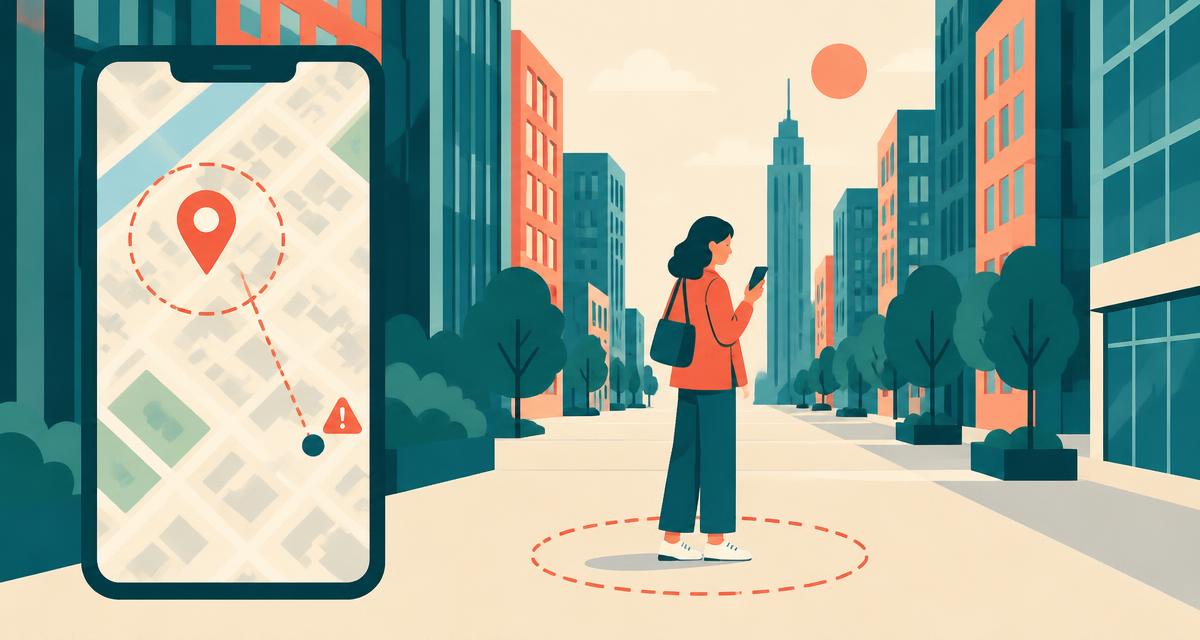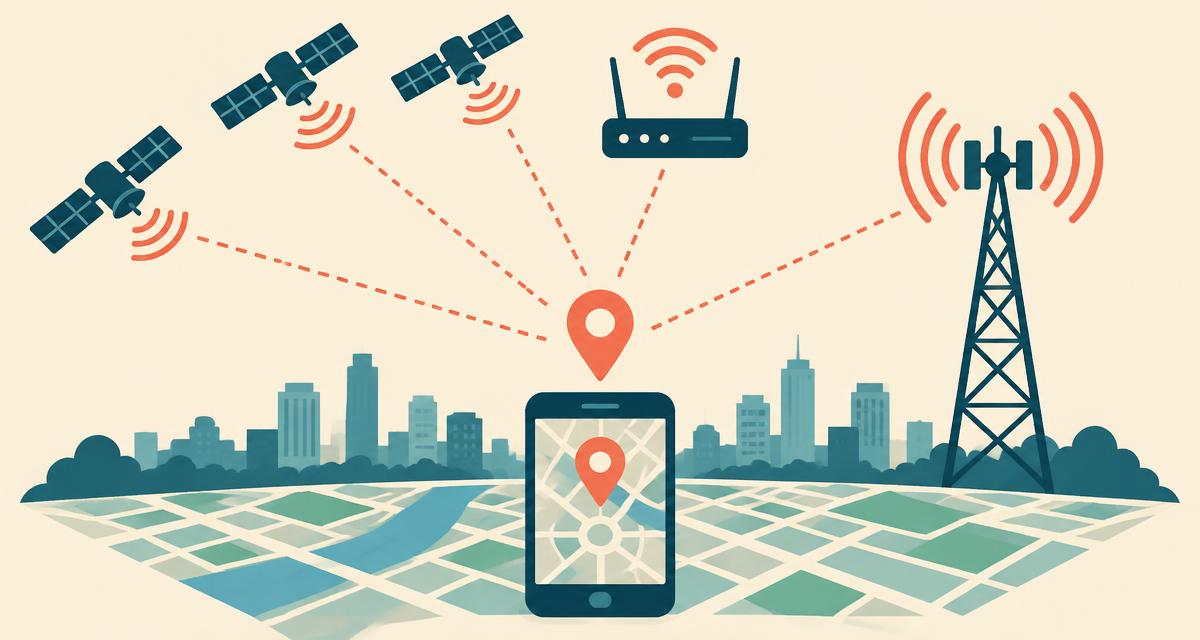
When you ask "where am I right now?", your phone or laptop doesn't rely on a single sensor. It combines up to four different positioning signals, weighs how trustworthy each one is at that moment, and reports a best estimate along with an accuracy radius — estimated horizontal uncertainty at a 95% confidence level, not a guarantee of the right address. Understanding these signals explains why your location is sometimes precise and other times a block or two away.
1. GPS and satellite positioning (GNSS)
GPS is the most precise source on most phones. The term is often used loosely: modern devices actually listen to several Global Navigation Satellite Systems (GNSS) — the US GPS, Europe's Galileo, Russia's GLONASS, China's BeiDou, plus regional systems such as Japan's QZSS and India's NavIC. More than 100 satellites are in orbit, and a typical phone can see 20–40 of them at once under open sky.
Each satellite continuously broadcasts its position and an extremely precise timestamp from an onboard atomic clock. Your phone measures how long each signal took to arrive. Because radio waves travel at the speed of light, a time difference becomes a distance. With distances to at least four satellites, the phone solves for latitude, longitude, altitude and its own clock error — a process called trilateration.
How accurate is GPS?
Outdoors with a clear view of the sky, modern smartphones are typically accurate to 3–10 metres. Newer phones with dual-frequency (L1 + L5) receivers can reach 1–3 metres because the second frequency cancels out much of the delay caused by the atmosphere.
Where GPS struggles
- Indoors — roofs and walls block or weaken satellite signals.
- Urban canyons — tall buildings reflect signals, creating "multipath" errors of 20–50 m.
- Tunnels, car parks and subways — no line of sight at all.
- Cold starts — after being off for a long time, a phone may need 30 seconds or more for a first fix.
- Laptops and desktops — most simply have no GPS chip.
2. Assisted GPS (A-GPS)
Downloading satellite orbit data directly from the sky is slow — it can take minutes. Assisted GPS downloads that data over your mobile or Wi-Fi connection instead, so your phone knows which satellites to look for and where. This cuts time-to-first-fix to a few seconds, which is why your location appears almost instantly when you open a maps app.
3. Wi-Fi positioning
Google, Apple and Microsoft maintain enormous databases that map the unique identifiers (BSSIDs) of hundreds of millions of Wi-Fi access points to their physical locations. These databases are built from anonymised scans contributed by phones with location turned on.
When you request your location, your device scans nearby networks — it doesn't need to connect or know the passwords — and sends the list with signal strengths to the provider's location service. The service compares them with its database and returns an estimated position. In cities this typically gives 15–50 metre accuracy, and it works well indoors where GPS fails. It's the main way laptops answer "where am I right now".
4. Cell tower positioning
Your phone is always registered with nearby mobile towers. Each tower has a known location and a coverage sector. By combining which towers are visible, their signal strengths and timing measurements, the network or phone can estimate a position. Accuracy ranges from about 100 metres in dense cities to several kilometres in the countryside, where towers are far apart. It's a useful first guess while GPS warms up.
5. IP address geolocation
Every device on the internet has a public IP address assigned by its provider. Commercial geolocation databases link IP ranges to the place where the provider uses them. This method requires no permission at all, which is why websites use it to guess your country or language. But it's the least precise: often 5–50 km off, and completely wrong if you use a VPN or a mobile network that routes traffic through another city. See exactly what yours reveals with our where am I right now by IP tool.
Accuracy at a glance
| Method | Typical accuracy | Speed | Indoors? | Permission? |
|---|---|---|---|---|
| GPS / GNSS | 3–10 m | 2–30 s | Poor | Yes |
| Wi-Fi | 15–50 m | < 2 s | Good | Yes |
| Cell towers | 100 m – 3 km | < 1 s | Good | Yes |
| IP address | 5 – 50 km | Instant | Yes | No |
Sensor fusion: putting it all together
Your operating system's location service (Google Play Services' Fused Location Provider on Android, Core Location on Apple devices) blends these sources continuously. It may start with a cell-tower estimate, refine it with Wi-Fi a second later, then lock onto GPS. Motion sensors — accelerometer, gyroscope, compass and barometer — fill in the gaps, which is how navigation keeps working briefly in a tunnel.
How a website gets your location
Websites use the standard HTML5 Geolocation API. When you tap Show where I am right now, the browser asks for permission. If you allow it, the operating system returns its fused estimate: latitude, longitude, accuracy in metres and, when available, altitude, heading and speed. The website never sees raw satellite data or the list of Wi-Fi networks around you.
To turn coordinates into something human-readable, we use reverse geocoding: we ask OpenStreetMap which building, street, city and postal code are closest to that point. That's how you see a full exact address rather than just numbers.
How to get the most accurate location
- Use a phone rather than a laptop.
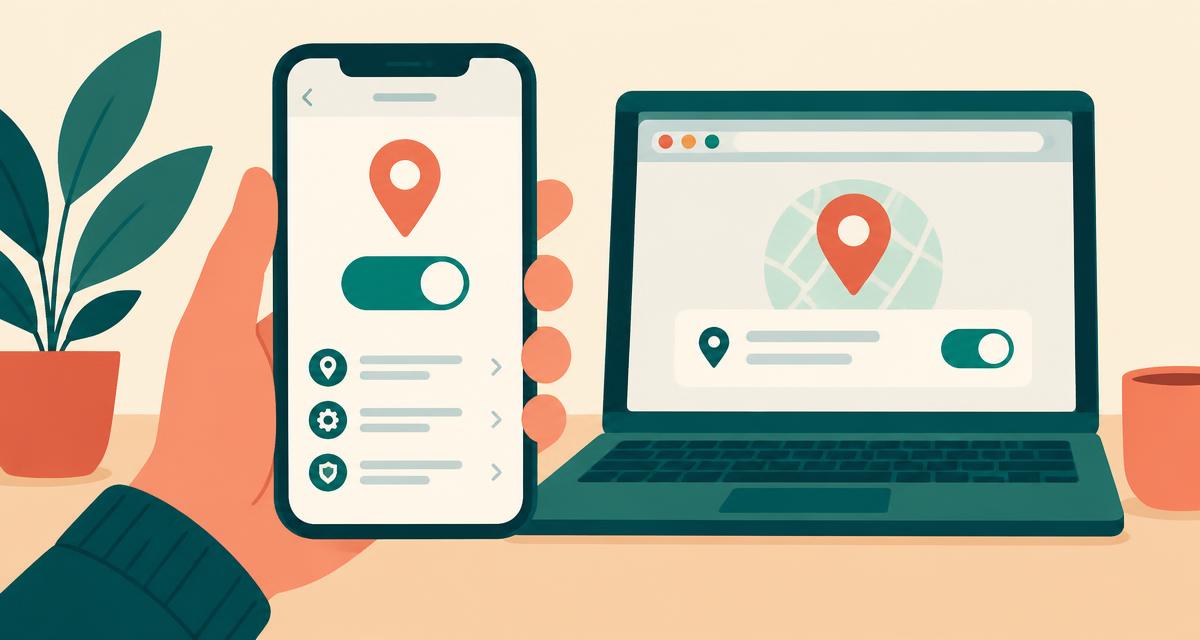
- Turn on Precise Location (iPhone) or Use precise location (Android).
- Keep Wi-Fi switched on, even if you're not connected to a network.
- Step outside or move near a window for a few seconds.
- Wait briefly, then tap Refresh to request another estimate; this tool does not continuously update.